 GameTranslator
GameTranslator
Play in your language.
It reads the English subtitles on screen, translates them instantly and shows them on your TV, computer or phone. Free, ad-free, open source.
Mac · Windows · Android · TV · iPhone coming soon
- PS5 Remote Play
- Xbox (Beta)
- Capture card
- OBS
- LG
- Samsung
- Android TV
- 27 languages
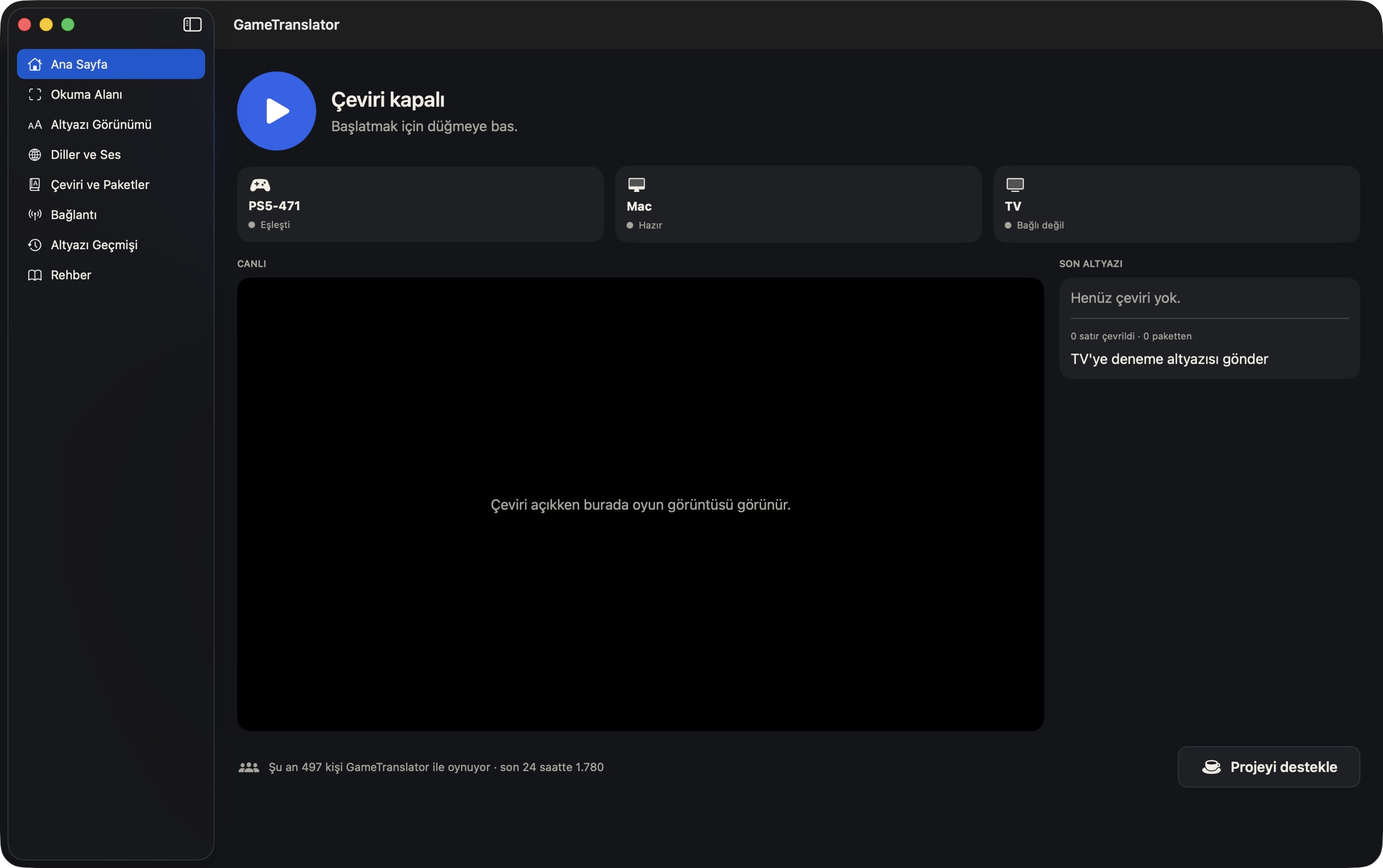
Mac and Windows
One button. The rest is automatic.
Start your game and press "Start translation". Finding, reading and translating the subtitles is the app's job.
- Nothing to install on the consoleConnects to the PS5 with Remote Play. Xbox streaming (Beta), capture cards and OBS work too.
- Finds the subtitles by itselfNo need to draw an area. It can also read extra areas such as mission text and phone messages.
- More accurate readingReads each line over several frames and compares them, fixing mixed-up letters and character names.
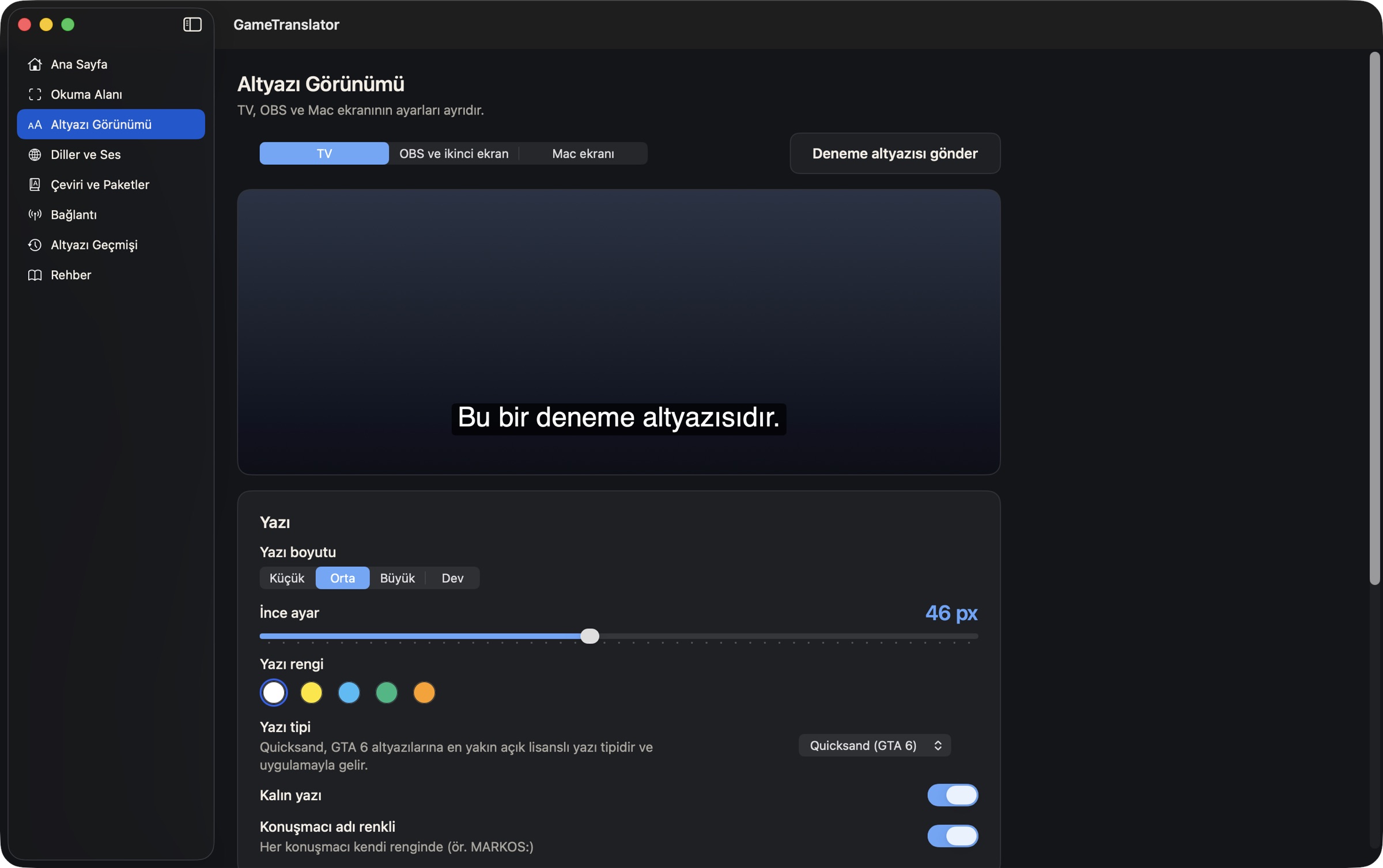
- Separate looks for TV, computer and OBSText size, color and position are set separately for each screen.
Android and iPhone
Your phone is a translator too.
It works without a computer. If you can't install the TV app, read the subtitles in large text on your phone; lines you missed stay in the history.
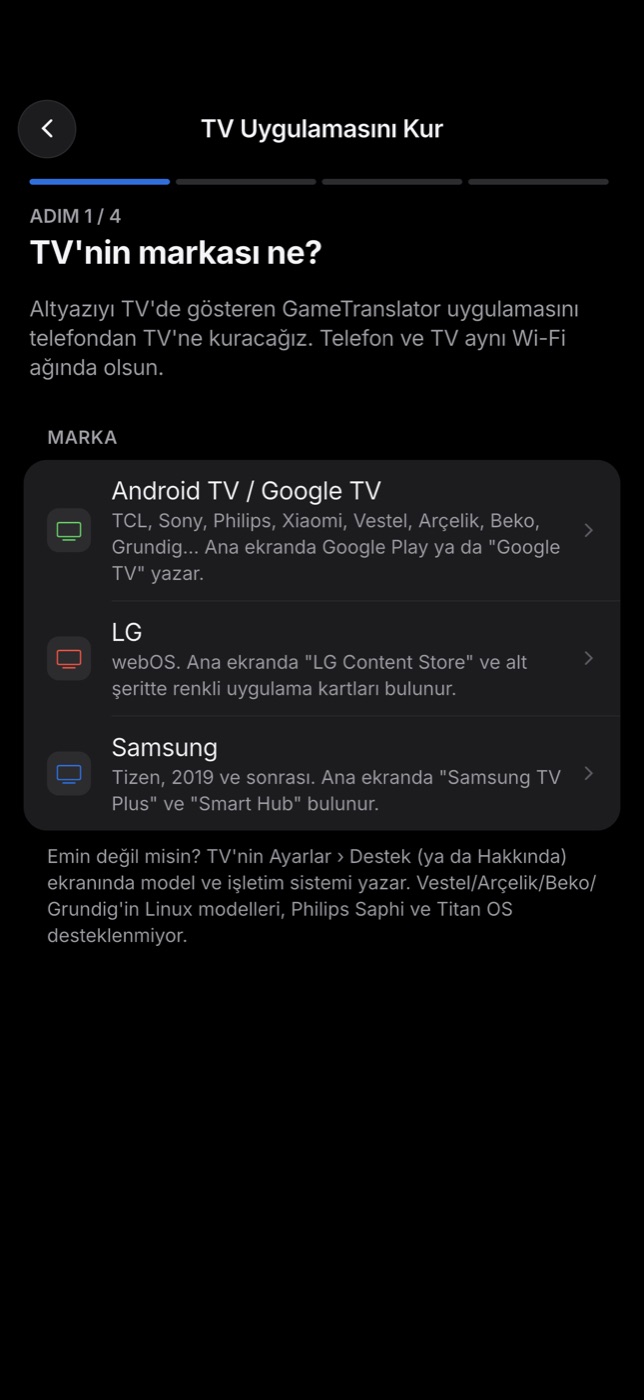
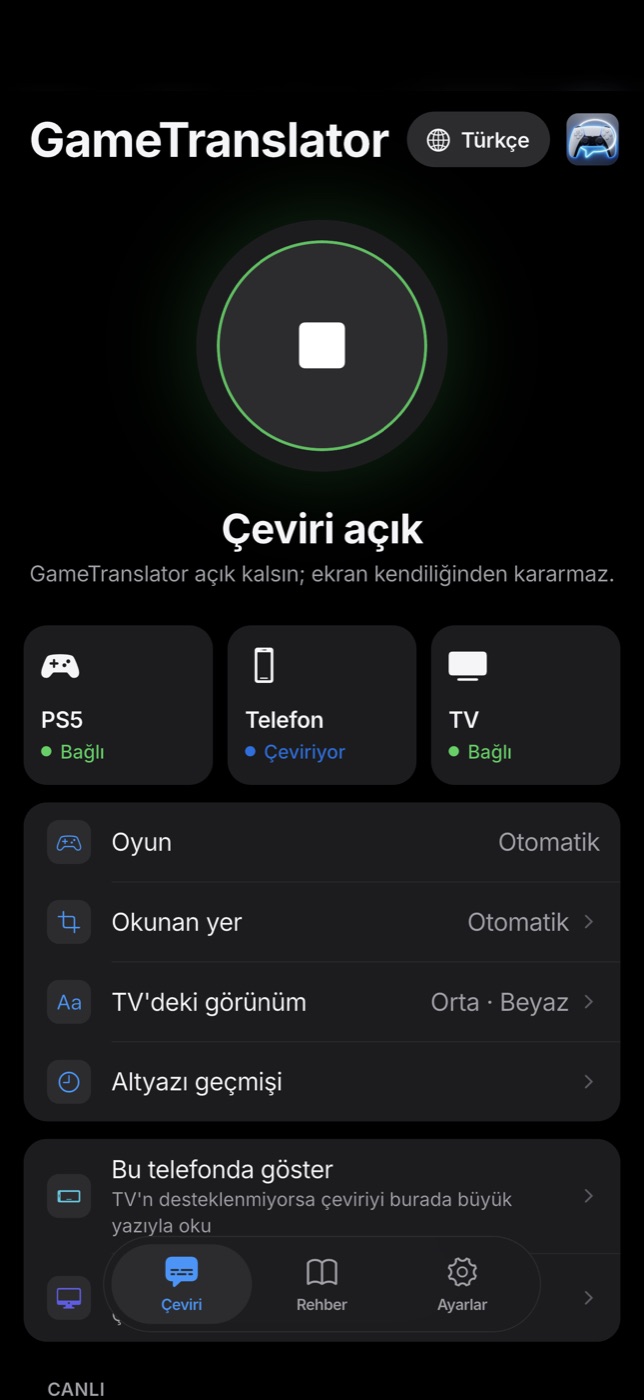
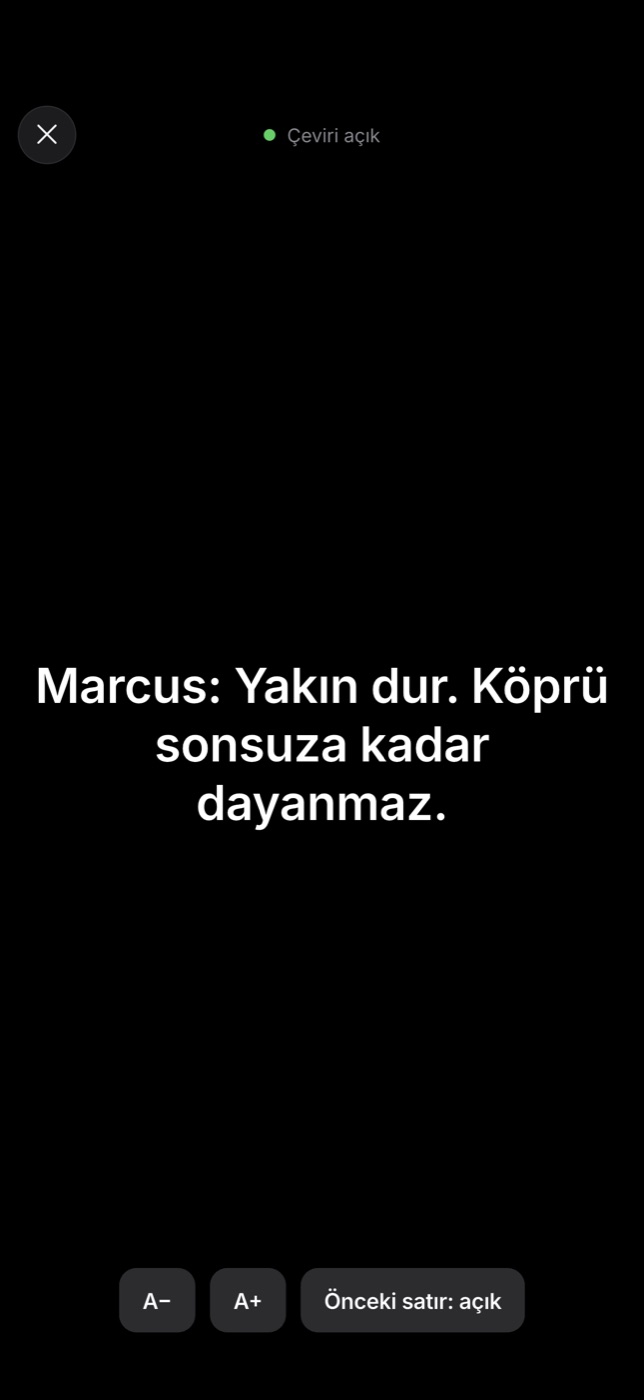
TV app
Subtitles, right over the game.
The TV app receives the translation over your home network and shows it over the game. You set it up step by step from your phone.
One app.
Every screen.
Small details.
Big difference.
Who's speaking is clear
Each speaker's name has its own color. Font, size and background are up to you.
Ready-made game packs
In supported games, subtitles come from translations prepared in advance: faster and more natural. Packs are available in Turkish today; more languages are on the way.
No tracking. No ads.
No analytics or tracking code. Your game video is processed on your device only to read the subtitles; it is never recorded or sent anywhere.
Open source
All of the code is public. Browse it on GitLab.
Works offline too
Besides free online translation, there is translation that runs on your device. You can also use your own DeepL key.
Capture cards, directly
Reads your capture card without needing OBS. If you stream with OBS, it can take the picture from there without touching your stream.
On every platform.
Download free and set it up in minutes.
iPhone
In testing
Coming soonQuestions
Does it cost anything?
No. GameTranslator is free, has no ads, and its source code is public.
Do I need to install anything on my console or game?
No. The app runs on your computer or phone and reads the game the way you see it on screen. It never touches the console or the game files.
What do I need to see subtitles on my TV?
Install the GameTranslator TV app on your TV; it receives the subtitles from the computer or phone on your home network and shows them over the game. The phone app walks you through the setup; there is also a TV setup guide (in Turkish).
Which games does it work with?
Most games that show English subtitles on screen. In games with a ready-made translation pack, translation is faster and more natural.
Which languages can it translate into?
27 languages, including English, Arabic, Turkish, German, French, Spanish and Russian. You choose the language in the app.
When is the iPhone version coming?
It is in testing. We'll announce it on this page when it's ready.
Where does my data go?
Your game video is processed on your device only to read the subtitles. Details are in the privacy notice.